
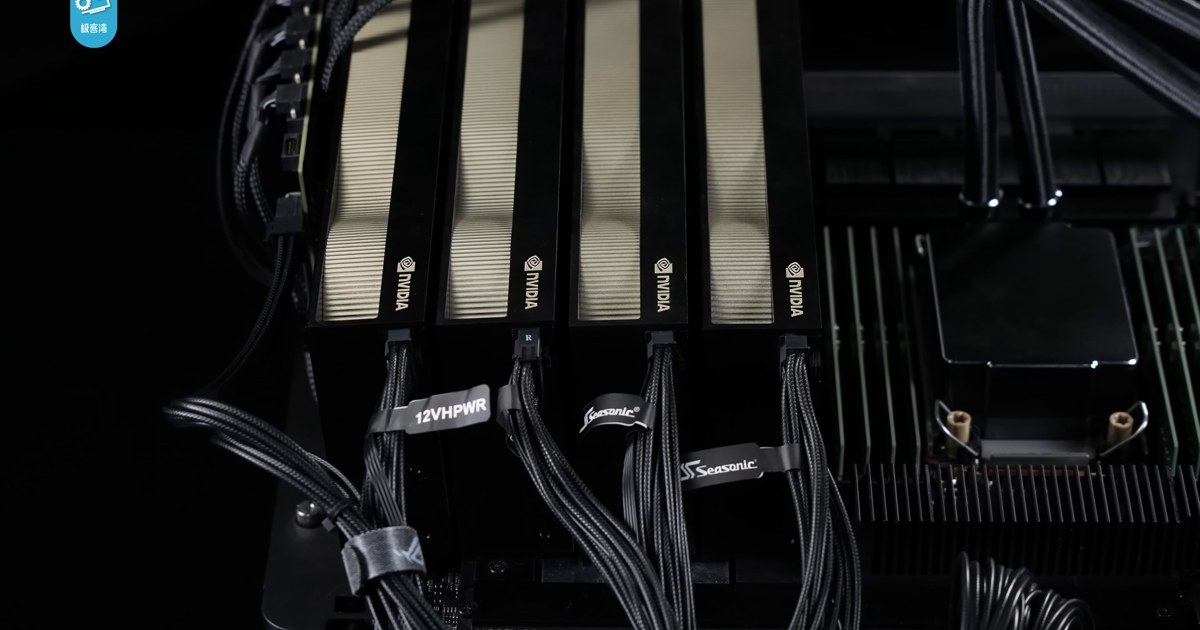
If your model, context and user load fit within RTX 6000 Ada memory and meet latency requirements, evaluate an upgrade to RTX PRO 6000 Blackwell using measured performance and the complete replacement cost. When memory is the limiting factor, Blackwell Workstation provides twice the nominal capacity on one card: 96 GB instead of 48 GB. That figure alone does not prove an application speedup or payback.
This comparison covers NVIDIA RTX 6000 Ada Generation and RTX PRO 6000 Blackwell Workstation Edition. Server and other variants can have different specifications; verify the exact SKU and system documentation.
Card-level specifications
NVIDIA's RTX 6000 Ada data sheet and RTX PRO 6000 Blackwell Workstation page list:
| Item | RTX 6000 Ada | RTX PRO 6000 Blackwell Workstation |
|---|---|---|
| GPU memory | 48 GB GDDR6 with ECC | 96 GB GDDR7 with ECC |
| Memory bandwidth | 960 GB/s | 1,792 GB/s |
| Interface | PCIe 4.0 x16 | PCIe 5.0 x16 in the data sheet |
| Board power | 300 W | 600 W |
| Cooling | Active | Double-flow-through |
These are card specifications; board power is not whole-workstation power. Nominal memory is not guaranteed free application memory. Confirm connectors, cooling and supported operation with the system supplier.
When capacity changes the design
Assume an illustrative 50-billion-parameter model stores weights at exactly one byte per parameter. The arithmetic gives around 50 billion bytes, or 50 GB in decimal units. This exceeds Ada's nominal 48 GB and is below Blackwell's nominal 96 GB. The smaller card may require another precision, supported offload or distribution strategy.
That does not prove the model fits on Blackwell: KV cache, temporary buffers, metadata and runtime headroom also need memory. Actual weight formats may use more or less than one byte per parameter; GB and GiB differ. Test the real model file and maximum intended context.
If a workload uses an illustrative 30 GB on Ada, 18 GB remains to nominal capacity. That is not an available cache allocation because the driver and application also consume memory. Measure the actual footprint across short and long inputs and multiple concurrent requests.
Bandwidth is not response speed
The ratio of listed bandwidths is approximately 1,792 / 960 = 1.87. This compares peak specifications; it does not imply every model responds 1.87 times faster. Latency depends on model format, compute kernels, context, batching, software and request rate.
Use identical weights, generation settings and request sets. Measure time to first token, output speed, tail latency and errors at peak load. If numerical precision changes, test answer quality and disclose the difference. Record software versions and test conditions so results can be repeated.
Fitting a model on one GPU may simplify a deployment compared with distribution across devices. It does not guarantee better performance without evaluating the actual topology and runtime.
Will the existing workstation support it?
A change from a 300 W card to a 600 W card requires a fresh power and cooling assessment. Verify the supported PSU, cable and connector, dimensions, clearance and airflow. A matching PCIe slot does not establish whole-system compatibility.
The Blackwell Workstation data sheet lists an extended-height dual-slot card; Ada dimensions differ. Ask the workstation vendor to confirm the exact GPU SKU with the selected CPU, memory and adjacent devices. Do not infer supported load from PSU nameplates alone without the manufacturer's redundancy conditions.
For scale only, the board-power difference is 300 W. If that difference hypothetically persisted for 24 hours, it would represent 7.2 kWh. This is not measured energy use or a workstation forecast: utilization changes and the rest of the system is excluded.
Two illustrative decisions
For a single-user assistant whose model and maximum context fit on Ada and whose measured latency meets the workflow, first evaluate other performance needs and the remaining support period. Additional capacity can provide headroom, but its value must be compared with the complete upgrade cost.
For a larger model with several concurrent requests, more memory may enable a different deployment. Concurrency also consumes cache and changes latency, so one short prompt is not an adequate test. Evaluate varying input lengths and record successful responses and errors. These are illustrations, not claims about AI Server Lab customer experience. Define quality and latency criteria before comparing proposals.
Upgrade economics and acceptance
Compare the complete system cost: the new card, any PSU or chassis change, installation, support and application migration. Treat reuse of an existing GPU as a separate scenario, not guaranteed residual value. Use measured power and your own tariff for operating cost.
Confirm supported drivers and libraries, container reproducibility and responsibility for post-upgrade failures. For shared users check available isolation mechanisms. Acceptance testing should cover sustained load, temperatures, memory, errors and the required output quality.
Record the model, weight format, context and concurrency; baseline measurements on the old system; confirmed new SKU and facility compatibility; equivalent test inputs; and complete warranty and support terms. Browse the catalog or describe your workload to discuss a configuration. Availability, price and delivery require confirmation.