
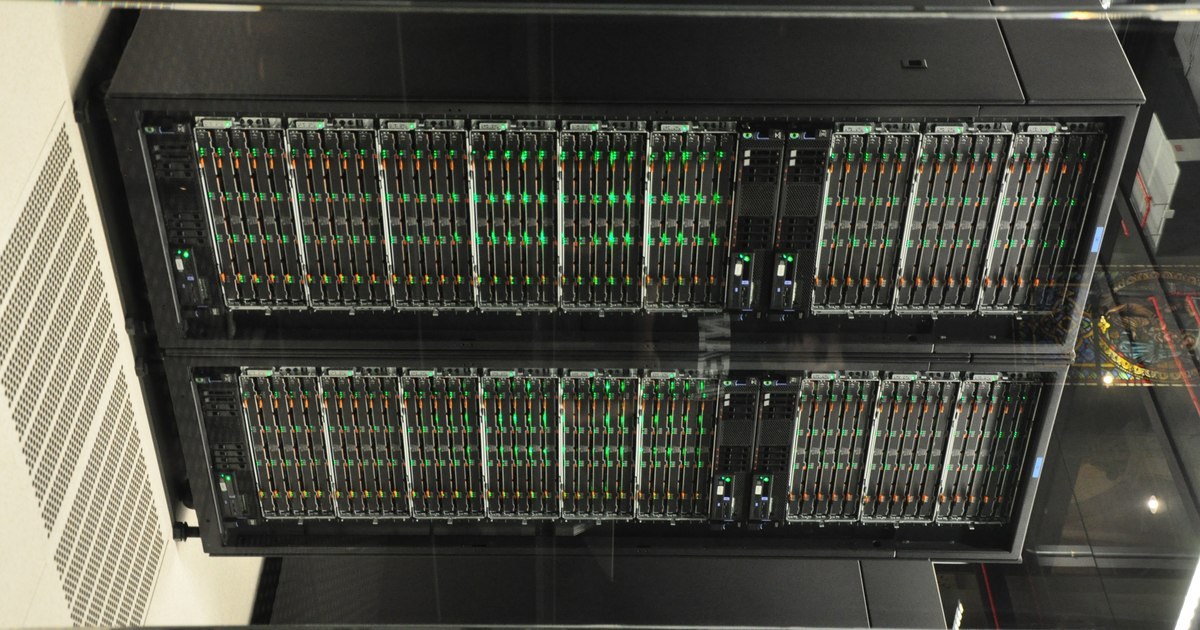
NVIDIA H200 NVL capacity can be assigned to multiple virtual machines using NVIDIA vGPU for Compute when the server, hypervisor, driver and selected profile are supported. MIG-backed and time-sliced vGPU are different operating modes. One important restriction: NVIDIA's AI Enterprise documentation does not support MIG-backed vGPU for Windows guest VMs on H200. It identifies time-sliced vGPU as the Windows option for those GPUs, subject to the rest of the support matrix.
Before specifying a server, check guest operating systems, licensing and migration requirements as well as GPU memory. An incompatible combination may fail during guest-driver installation. This guide is a preparation checklist, not a replacement for the support matrix for the exact software release.
The available allocation modes
NVIDIA's vGPU for Compute overview describes time-sliced vGPU, MIG-backed vGPU and a combined mode where the required hardware and hypervisor support it. A VM may also receive dedicated GPU capacity or multiple GPUs where supported. These are different ways to allocate resources.
A MIG-backed profile is built on a GPU instance: the VM receives the assigned instance's resources and engines while other instances can run concurrently. Time-sliced vGPUs share execution time on the physical device. Actual latency and predictability depend on the profile, competing work and scheduling policy, so test your own workload rather than assuming equivalence.
NVIDIA's H200 vGPU reference lists profiles for the H200 PCIe 141 GB, also called H200 NVL. Use the table for the exact device and driver release. Not every combination of instance sizes is valid, and nominal board memory is not a promise that arbitrary fractions can be assigned.
Windows: the restriction concerns the guest
NVIDIA states in its MIG-backed vGPU documentation that Windows guest VMs are not supported in that mode on H200, as well as on listed H100, B200 and B300 devices. Attaching an incompatible profile fails at guest-driver installation. The documentation identifies time-sliced vGPU for Windows on these GPUs, subject to other compatibility requirements.
This is not the same as saying Windows can never be used with H200. Check the exact hypervisor release, guest OS, device, driver and profile in the support matrix. Capabilities can change across versions, so save the documentation version and date used for your design.
A supported Linux guest may make MIG-backed vGPU an option, but moving an application can require dependency changes, software licensing work, result validation and additional operational support. Include those costs in the decision.
Memory sizing without assuming arbitrary partitions
NVIDIA's reference describes H200 NVL as H200 PCIe 141 GB. A VM does not automatically receive the full board memory: its available framebuffer depends on a supported profile and its configuration. Use the actual profile table and leave room for software overhead.
Suppose an application needs 18 GB for model weights, 5 GB for working state and 3 GB of reserve. The illustrative requirement is 26 GB of available memory. This arithmetic is not a list of H200 profiles. Select a supported profile with enough usable capacity and measure the peak under expected load.
Do not divide 141 by 26 and promise five VMs without checking valid MIG placements and overhead. Free arithmetic capacity does not guarantee a valid profile layout. For time-slicing, separately verify the selected profile's memory and scheduling rules.
Licensing and service continuity
NVIDIA says vGPU for Compute is licensed through NVIDIA AI Enterprise. Its licensing documentation describes VMs obtaining a license and entering a degraded state if a valid license is not acquired or restored within the applicable grace period. The period depends on the scenario and license-system configuration; check the current version and your settings.
NVIDIA's enterprise licensing guide says H200 NVL includes a five-year AI Enterprise subscription subject to activation and card-specific terms. Do not assume every quoted card is already activated or that five full years remain from the delivery date. Ask the supplier to confirm entitlement, activation, remaining term and support for the proposed setup.
Before production, verify license-system reachability, guest configuration and the documented behaviour after a temporary disconnection. Avoid disruptive checks in production. Assign an owner for expiry monitoring, renewal and restoring access.
Migration and operational checks
NVIDIA notes that live migration between different MIG profiles is not supported and that the target needs a matching MIG configuration. Matching is a necessary condition from the documentation, not a guarantee that every migration works: check hypervisor, drivers, feature support and application state too.
Create a design matrix covering server and GPU, hypervisor release, guest OS, driver, profile, license, management network and recovery scenario. Pilot installation, licensing, application start and an agreed host-maintenance scenario. Measure latency at expected concurrency and verify peak memory use.
Two users who each meet a latency target alone can form a queue when sharing execution time. A one-VM test therefore cannot replace a realistic concurrency test. If isolation or latency is critical, compare supported MIG, a dedicated GPU and other configurations under the same workload.
What to include in a request
Specify the number of VMs, guest operating systems, model and data size, expected concurrency, memory per VM and migration requirements. Ask for the exact server, software versions, valid profiles, license terms and support. Cross-check the offer against NVIDIA's documentation and the system integrator's compatibility list.
Explore the NVIDIA H200 catalog or send requirements via the contact form. Availability, configuration and delivery terms require individual confirmation.