
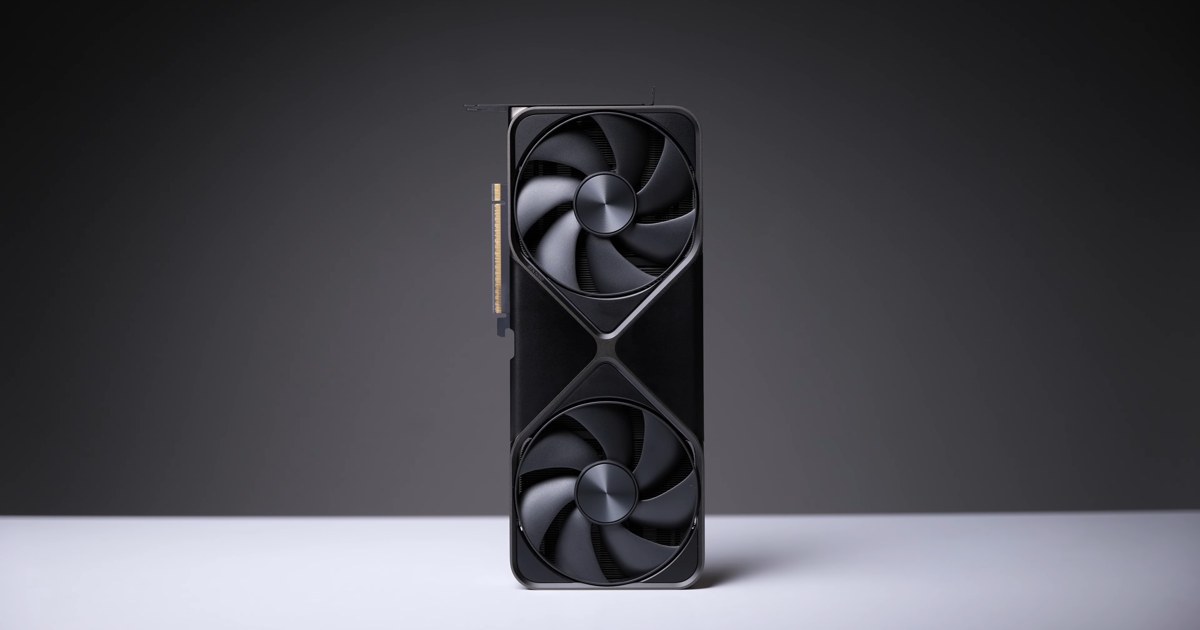
If the local model and required context fit within 32 GB of GPU memory, GeForce RTX 5090 can be a configuration to evaluate. If weights and working data exceed that amount, RTX PRO 5500 Workstation Edition offers a nominal 84 GB on one card. That does not establish that the professional card is faster for every workload or more economical without complete prices and measurements.
This comparison covers a desktop GeForce RTX 5090 and RTX PRO 5500 Blackwell Workstation Edition. Partner variants and server products need their own compatibility checks. Specify the model, weight format, context length, users and workstation before choosing.
Published specifications
| Item | GeForce RTX 5090 | RTX PRO 5500 Workstation |
|---|---|---|
| Architecture | Blackwell | Blackwell |
| GPU memory | 32 GB GDDR7 | 84 GB GDDR7 with ECC |
| Positioning | Desktop graphics and compute | Professional workstations and compute |
| MIG | Verify support in the selected stack | Up to two 42 GB instances in the data sheet; Linux |
| Power and cooling | Depend on the exact card and system | Up to 600 W in the data sheet; confirm the SKU |
NVIDIA specifies 32 GB for GeForce RTX 5090 and 84 GB with ECC for RTX PRO 5500 Workstation. The ECC and MIG statements concern that professional model. Verify operating-system and application support before designing a deployment. Nominal memory is not guaranteed application headroom.
Illustrative model sizing
Assume a model has 32 billion parameters and its stored weights average exactly one byte per parameter. That yields approximately 32 billion bytes, or 32 GB in decimal units. On a nominal 32 GB card this reaches the stated capacity before accounting for cache or runtime. On an 84 GB card the nominal difference is about 52 GB, but that is not a guaranteed free amount.
At the same assumption, weights for 70 billion parameters would require roughly 70 GB. That can be a starting point for evaluating the 84 GB card, not proof that the model runs: metadata, context cache and buffers require extra space. With a 32 GB device, investigate a different supported weight format, distribution or offload if the chosen software permits it.
These are arithmetic examples, not benchmarks. Actual weight sizes depend on model architecture and quantization. Bits and bytes differ, and tools may display gigabytes or gibibytes. Test the real weight file and measure memory at the intended context length.
Context and concurrency
Inference also needs KV cache and working buffers. Cache requirements generally rise with processed tokens and concurrent requests, although exact behavior depends on the model and engine. A model that starts for one short prompt can exceed available memory with a long document or multiple users.
Record typical and maximum input length, desired output length and peak concurrency. Measure memory for short, typical and worst-case requests. Save engine version and settings: measurements from different implementations cannot explain the source of a difference without that context.
One larger GPU or multiple smaller cards
Two 32 GB cards have 64 GB of aggregate nominal capacity, but they are not one 64 GB device. The application needs a supported way to distribute weights and operations. Communication overhead depends on the actual topology and software. Do not assume a particular interconnect; check the chosen cards and workstation.
Multiple GPUs also need physical space, cooling, PCIe connectivity and supported power. A matching connector does not guarantee sufficient airflow or clearance. Ask the workstation vendor to confirm the exact cards and count, then evaluate sustained-load behavior.
Compare complete outcomes
Use the same weights and test requests. Record output quality, time to first token, generation rate, peak-concurrency latency, memory use and errors. If weights use different numerical precision, evaluate the effect on quality: a faster answer is not equivalent if it fails the application's requirements.
Compare complete configurations, including GPU, CPU, system memory, storage, power supply, chassis, warranty and support. Obtain current offers for the relevant region. A foreign advertised price or one card's maximum power cannot establish project payback.
If resources must be split among users, consult the RTX PRO 5500 MIG documentation and selected software version. Partitioning does not increase memory in a single instance: the model must fit the instance available to it, and the application must support that arrangement.
Design the evaluation
Prepare representative, non-confidential tasks and define acceptable output before testing. Include varied input lengths: a set of short prompts alone will not show behavior with long documents. Start with one request, then increase concurrency while recording memory, failures and latency. Record whether weight-loading time is included and whether any model layers are offloaded to system memory.
Check sustained-load temperature and acoustics in the intended installation. Confirm warranty, support and driver-update responsibilities with the system vendor. Only then compare complete offers, including all components, installation and support.
Decision checklist
- Identify the model, weight format and minimum acceptable output quality.
- Record context lengths and peak concurrent requests.
- Estimate weights and cache, then measure actual memory use.
- Confirm exact card, chassis, power, cooling and driver compatibility.
- Compare latency and quality on equivalent workloads.
- Confirm availability, warranty, service and full regional pricing.
Browse the AI systems catalog or describe your workload to discuss a configuration. Specific GPU availability and delivery terms require confirmation.