
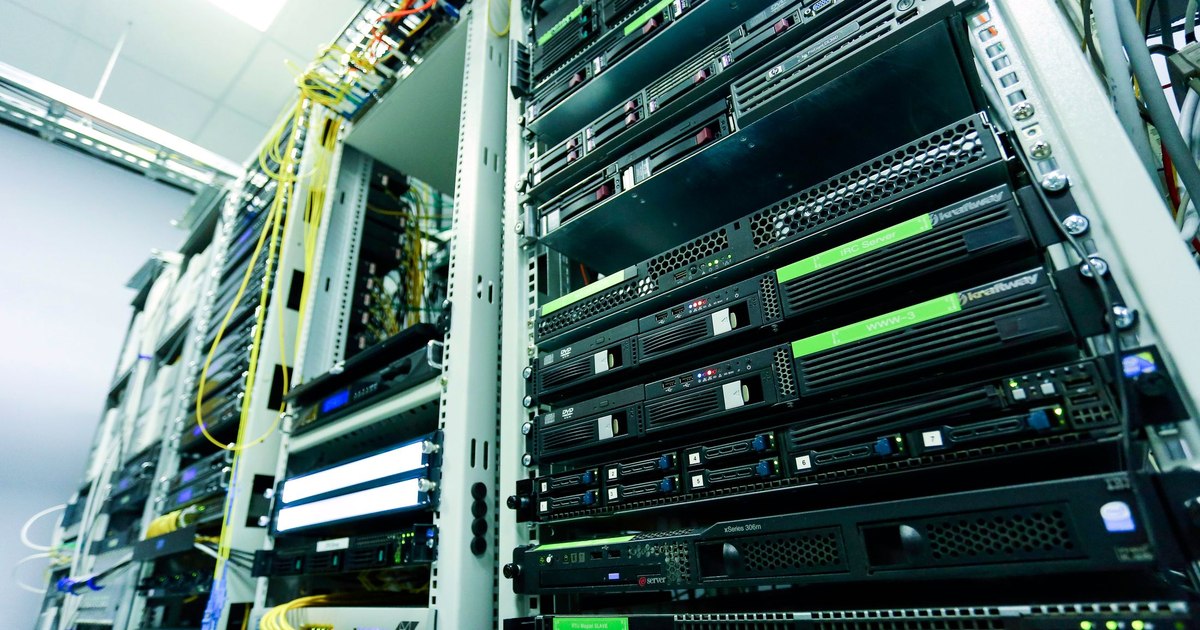
Choose a Blackwell GPU server by its exact accelerator, supported platform, interconnect, cooling and workload—not by the architecture name alone. An HGX baseboard with SXM GPUs and a server using PCIe add-in cards are different system designs. They can serve different workloads, support different memory capacities and expose different communication paths. The boards are not interchangeable merely because their GPUs use the Blackwell name.
Start with the target model, concurrency, latency or training objective and facility limits. Ask each supplier for a complete bill of materials and topology, then compare the configurations under the same software and workload. Published product specifications describe components; performance and stability for a particular application require a reproducible test.
Separate the GPU from the platform
SXM describes a module and platform integration used in NVIDIA HGX systems. NVIDIA’s HGX AI Factory reference architecture describes an eight-GPU HGX B300 baseboard connected internally using NVLink and NVSwitch. The CPU, host memory, networking, power and cooling of the finished server remain part of the complete OEM configuration.
PCIe describes an expansion interface. It appears in many servers, but a PCIe slot alone does not guarantee that an arbitrary accelerator, power profile, cooling arrangement or GPU count is supported. Check the server vendor’s compatibility matrix, physical dimensions, airflow, auxiliary power, firmware and driver requirements. PCIe-based multi-GPU systems may have very different switch layouts and NUMA paths.
Do not assume that every Blackwell PCIe card is the PCIe version of an HGX B200 or B300 GPU. For example, NVIDIA lists the RTX PRO 6000 Blackwell Server Edition with 96 GB of GDDR7 and PCIe Gen5. NVIDIA’s HGX reference lists B200 SXM with 180 GB HBM3e per GPU and B300 SXM with 288 GB HBM3e per GPU in its cited configuration. These are different products and system designs, not a controlled comparison of a single chip in two connectors. Specifications and supported configurations can vary; confirm the exact SKU and documentation revision in the offer.
Map the communication path
A distributed model can exchange data within one GPU, between GPUs in a node and across nodes. The path matters as much as the number of accelerators. NVIDIA’s reference HGX B300 design uses NVLink and NVSwitch within its baseboard, while network adapters connect nodes over the external fabric. The reference configuration is an example, not evidence that every OEM system has the same network, storage or host components.
For a PCIe system, request the diagram showing which GPU and network device connects to which PCIe switch, root complex and CPU socket. Ask whether peer-to-peer transfers are supported in the offered configuration and how the software discovers them. Record the topology and the measured result with the driver and firmware versions; do not infer multi-GPU communication performance solely from the interface generation in a brochure.
Consider how the application uses that path. Independent inference replicas may communicate little between GPUs, while tensor-parallel serving, distributed training and collective operations can exchange data frequently. A model that fits on a single GPU can have a different bottleneck from a larger model split across several. A faster interconnect is useful only to the extent the workload and software can use it.
Model memory with explicit assumptions
Suppose an illustrative 70-billion-parameter model stores weights at two bytes per parameter. The weights alone require approximately 70 billion × 2 = 140 billion bytes, or 140 GB in decimal units. Runtime buffers, activations, KV cache and metadata are additional. This arithmetic says nothing about the speed or quality of a particular model or framework.
Two 96 GB GPUs have 192 GB of nominal aggregate memory, but this does not make a single 192 GB GPU. The model must be partitioned by compatible software, each device needs its own overhead and inter-GPU transfers may be required. A configuration with a larger per-GPU memory capacity may reduce the need to split some workloads, but whether a particular model fits and meets its latency target must be measured. Quantization can change both memory use and output quality; compare it explicitly rather than assuming it is free.
Define the target context length, number of concurrent sequences, model and tokenizer revision, precision and maximum output length. Record peak memory per GPU as well as total nominal capacity. For training, include optimizer states, gradients, activations and checkpointing choices; an inference-only memory estimate is not sufficient.
Check the facility and the complete bill of materials
Obtain the system’s maximum and expected power at the appropriate boundary, redundant power arrangement, inlet conditions and supported cooling method. A GPU’s component power rating is not the whole server’s draw at the wall. For liquid cooling, agree on coolant specification, temperature, flow, leak detection, service procedure and ownership of the rack-level connections. For air cooling, validate airflow direction, rack placement and inlet conditions.
The offer should identify the server model, GPU SKUs and count, baseboard or PCIe switch design, host CPUs and RAM, network adapters, boot and data drives, management features, support contact and permitted substitutions. A server detecting the expected number of GPUs is necessary, but it does not by itself verify the agreed topology or application performance. Price, availability, delivery and warranty are determined by the actual offer and region.
Run a fair acceptance comparison
Use the same model checkpoint, runtime version, precision, input and output distribution, batching policy and quality criterion on both candidates. For inference, capture time to first token, inter-token latency, p95/p99, throughput, memory use and errors at representative concurrency. For training, record iteration time, scaling efficiency, communication overhead, checkpoint behavior and end-to-end convergence criteria where applicable. Do not compare vendor peak FLOPS from different precisions as if they were measured application results.
Record the command or configuration, hardware inventory, GPU and network topology, driver, firmware, software image, load profile and measurement period. Repeat runs after warm-up and under the expected neighboring workload. If a result is unexpectedly low, determine whether the bottleneck is GPU memory, interconnect, host CPU, storage, network or software before concluding that a particular form factor is unsuitable.
Review the AI Server Lab catalog and share the model, service objective and facility limits via the contact form. Final configuration and commercial conditions require separate confirmation.