
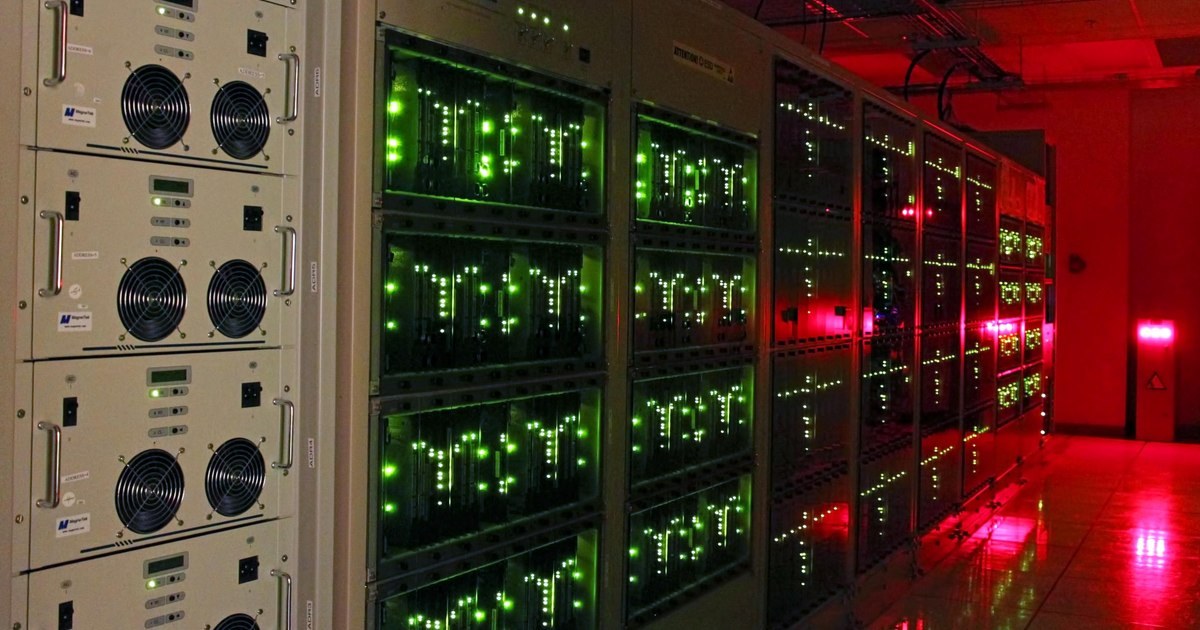
On November 16, 2026, AMD announced that the Lux supercomputer at Oak Ridge National Laboratory was open to scientific users. HPE built the system around AMD EPYC processors and Instinct MI355X GPUs. Oak Ridge's user guide describes 504 compute nodes and 4,032 GPUs. These are characteristics of a particular US research installation, not a claim that every MI355X server has the same configuration or commercial availability.
For infrastructure buyers, the organization of one node is more useful than the headline GPU count: eight MI355X accelerators with HBM3E, two CPUs and Infinity Fabric connections. The following breakdown distinguishes published facts from illustrative calculations and questions for a supplier.
What is confirmed
In its announcement, AMD describes a partnership with Oak Ridge and the US Department of Energy. HPE built Lux using EPYC CPUs, MI355X GPUs, Pensando networking and ROCm software. AMD says the system is open to scientific users and supports work under the Genesis Mission.
The OLCF Lux user guide identifies HPE ProLiant XD685 compute nodes and separate Slurm and Kubernetes partitions. Access rules, software and allocated resources are specific to the Oak Ridge installation; consult its current documentation rather than treating them as commercial terms for another region.
| Item | OLCF description | What it does not establish |
|---|---|---|
| Scale | 504 nodes and 4,032 GPUs | That every application scales efficiently across the whole system |
| CPU | Two 64-core AMD EPYC 9575F processors per node | That every MI355X server uses the same CPU |
| Host memory | 3 TB DDR5 per node | That an application can use the entire nominal amount |
| Accelerators | Eight MI355X GPUs, 288 GB HBM3E each | That eight devices form one local memory pool |
| Scheduling | Separate Slurm and Kubernetes partitions | That the same launch method fits every workload |
AMD cites Lux's TOP500 placement. That ranking uses a particular high-performance computing method; it does not by itself establish LLM throughput, cost per token or interactive latency.
A memory calculation, with boundaries
Eight accelerators at 288 GB each add up to 2,304 GB of nominal HBM per node in decimal units. Multiplying 504 nodes by eight gives OLCF's 4,032 GPUs. Across those GPUs, 4,032 × 288 equals 1,161,216 GB of nominal GPU memory. This is a sum of capacities, not a single addressable local array or a verified allocation for one application.
For illustration, assume model weights occupy 800 GB and a chosen runtime supports perfectly even division across eight GPUs. The arithmetic gives 100 GB of weights per GPU. Real partitions may be uneven or duplicate data, while the KV cache, temporary buffers and runtime also use memory. This example is not a Lux benchmark and does not prove that a particular model will run on it.
Training can additionally require activations, gradients and optimizer states, depending on precision and distribution strategy. Measure peak memory on the real model and input profile before selecting hardware or requesting an allocation. A sum of nominal capacities is only an initial screening tool.
Read the Infinity Fabric topology
OLCF describes direct Infinity Fabric GPU-to-GPU connections inside a node and lists 153.6 GB/s peak bandwidth for an individual connection in its diagram. Read the topology and check the documentation's units and direction before comparison. The capacity of one link should not be presented as the aggregate bandwidth of the entire system.
When an application splits a model across GPUs, intermediate transfers and synchronization affect results. A different MI355X server may use another topology. Request a diagram of GPU links, the number of paths and the placement of network adapters relative to CPUs and GPUs. Multi-node workloads additionally depend on the external fabric, switches and distributed software.
Begin a comparison with the same workload and number of GPUs. Then increase device count while recording time to useful completion, communication volume and errors. Sublinear scaling can result from communication, data placement, storage reads or the application itself. A fast interconnect does not guarantee linear speedup.
For an illustrative fixed workload, suppose one GPU takes 80 minutes and eight GPUs take 20 minutes. Speedup is 80 / 20 = 4, and scaling efficiency is 4 / 8 = 50%. This is not a Lux or MI355X measurement. It applies only to the same workload under comparable settings; a changed input size needs a separate explanation.
Slurm, Kubernetes and reproducibility
The two Lux partitions expose different scheduling environments. Before a research run, establish where data resides, how resources are requested and which container and library versions are available. Lux instructions should not be copied to another cluster without checking its policies and configuration.
Record ROCm, driver, container and model versions, launch settings and allocated GPU count. Define an output-correctness criterion, particularly when numerical precision or a kernel implementation changes. Keeping the configuration reproducible helps distinguish the effect of software updates from the effect of hardware.
For interactive inference, measure time to first token, generation rate and latency at the expected concurrency. For batch scientific work, measure time to finish a fixed set of tasks and energy where reliable metering exists. Aggregate throughput does not replace error and output-quality checks.
Buying a separate MI355X server
Lux is a large laboratory installation; its configuration does not mean that an individual XD685 is offered everywhere with the same fabric, support or terms. Ask a supplier for the exact system and GPU SKUs, host memory, GPU topology and supported software versions.
The facility team also needs system input power, cooling type, rack and cable requirements and service procedures. If nodes form a cluster, request a network design and acceptance criteria. Confirm price, warranty, availability and delivery for the actual market; the US research announcement does not establish those terms elsewhere.
Before accepting a configuration, agree on:
- The model, weight format or dataset and a correctness criterion.
- GPUs per job and the required response or completion time.
- Accelerator topology and inter-node networking.
- ROCm, driver, library versions and deployment method.
- Complete chassis, power, cooling and service conditions.
- A representative workload capturing memory, time and errors.
Explore the AI server catalog or describe the workload to discuss a suitable configuration. Compatibility and commercial terms must be confirmed separately.